
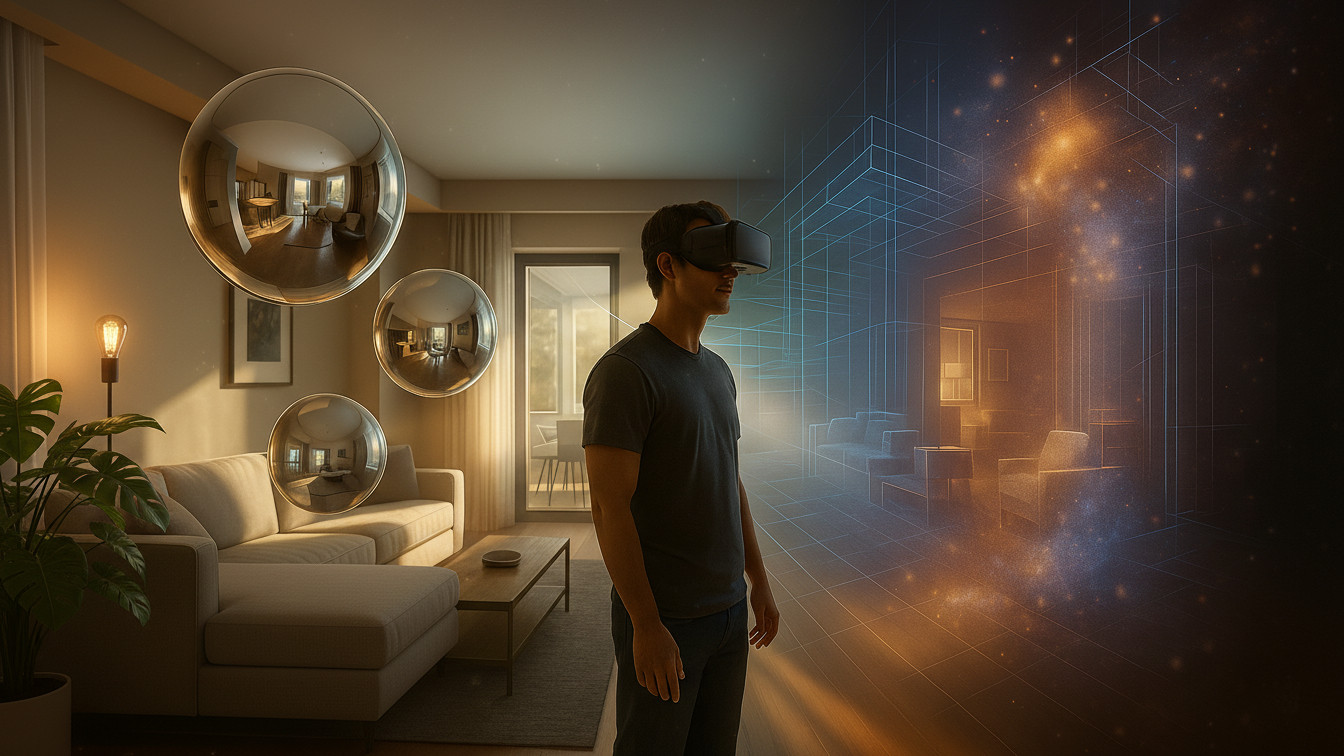
For architectural walkthroughs, the practical question is not “What’s newest?” but “What best communicates space under real delivery constraints?” Node-based 360° panoramas give broad coverage with minimal fuss; radiance-field methods — classic NeRFs and 3D Gaussian Splatting (3DGS) — unlock free-view parallax and smoother cinematic motion that can change how clients read proportion, joinery, and circulation. As of late 2025, 3DGS demonstrates real-time, high-quality view synthesis on commodity GPUs, while NeRF training has been accelerated enough for overnight pilots.
A pano node offers 3DoF: you rotate in place. That can be perfect for model apartments, lobby vignettes, and quick marketing coverage. Radiance fields provide 6DoF — actual positional motion — so near-field cues (parallax, occlusion) emerge and rooms feel volumetric rather than painted on a sphere. In headsets, expectations rise: people lean and sidestep; if nothing responds, comfort drops. The WebXR Device API is the standardized path to 3DoF/6DoF headset access on the web, making these differences tangible in browser-based demos.
Panoramas are fast: a single 360 camera or pano rig, a tripod, and HDR brackets to protect windows and luminaires. Planning is light; exposure and white balance can be harmonized in stitching.
Radiance fields need multi-view image sweeps with locked exposure/white balance and adequate overlap, plus solid pose estimation. Mirrors, glass, repetitive patterns, and thin geometry are the usual failure points — plan a little redundancy in the path and include a few detail passes around problem joinery. NeRF workflows have been transformed by multiresolution hash encoding (Instant-NGP), which trains usable scenes on a single modern NVIDIA GPU; this keeps pilots within a day even without a render farm.
NeRF (+ Instant-NGP). The core idea is still volumetric rendering of an MLP, but the hash-encoded feature grids collapse training times while maintaining quality. For interiors, careful capture discipline (consistent exposure, enough near-field views) pays dividends.
3D Gaussian Splatting. 3DGS replaces dense volume marching with an explicit cloud of anisotropic Gaussians and a visibility-aware splatting renderer. Starting from sparse structure (e.g., SfM points), the method interleaves optimization and density control to reach real-time novel views at mainstream resolutions — one reason many teams now reach for 3DGS when interactive delivery matters.
Quality stabilizers. Grid-based anti-aliasing such as Zip-NeRF mitigates shimmer on repeated textures (slatted ceilings, patterned stone, facades seen obliquely). It’s not a magic wand, but it’s a credible way to tame high-frequency aliasing that shows up in interiors.
Two platform pieces determine feasibility at scale:
For UI chrome and lightweight context, glTF 2.0 is still the runtime 3D format to beat; pair it with KTX2/Basis Universal textures so downloads stay small and transcode efficiently to native GPU formats on target devices. This is well-documented in Khronos materials and the KTX specification.
When WebGPU is unavailable or device budgets are tight, use fallbacks: pre-rendered fly-throughs, or simply drop back to pano nodes in those zones.
| Approach | Capture (2–4 rooms) | Processing | Runtime target |
|---|---|---|---|
| 360° Panos | 10–20 min per node | Stitch HDR + link | Any modern browser |
| NeRF (Instant-NGP) | 30–60 min photo sweep | Single-GPU, hours not days | 30–60 fps desktop (scene-dependent) |
| 3DGS | 30–60 min photo sweep | ~1–2 h optimize | Real-time 1080p on recent GPUs |
| Target | 360° Panos | NeRF/3DGS |
|---|---|---|
| Web (mouse/touch) | Excellent | Good→Excellent with WebGPU |
| WebXR (headset) | Good (3DoF nodes) | Good if perf budget met |
| Low-bandwidth | Strong | Needs streaming/LOD |
Independent of the rendering approach, align to project coordinates early. If camera poses (or splat clouds) live in the same coordinate system as the BIM, scale drift and navigational confusion drop dramatically. Split large scenes by level to keep download sizes predictable; use glTF’s scene graph to mount hotspots, callouts, and minimaps that tie the tour back to the design narrative. Guided camera paths (splines with eased ramps) help in marketing moments; free-roam shines in review sessions where stakeholders need to “walk” and point.
Plan around the project triangle:
Common risks are best solved before training: lock exposure/white balance, plan redundancies for mirrors and glass, and keep props static. For delivery, expect to tune LOD/streaming budgets and, on the BIM side, verify units and origins.
A simple rule:
Choose panoramas when speed, universality, and low bandwidth dominate. Choose NeRF/3DGS when parallax matters (complex stairs, double-height halls), when you need cinematic motion, or when a headset demo is central to the brief. Many teams blend them: panos for breadth, radiance fields for signature spaces.
Evidence-aware note: In large, headset-first interiors, bespoke streaming/LOD and BIM-aware alignment can reduce stutter and scale drift compared to general viewers; for small scenes on desktop, off-the-shelf tools are often sufficient.
Keep an eye on three moving fronts: 3DGS ecosystem work (author tools and streaming formats), Instant-NGP/NeRF variants focused on anti-aliasing and robustness (e.g., Zip-NeRF), and the continuing expansion of WebGPU across platforms. As these mature, the gap between “lab-grade” and “ship-ready” narrows, and the pano vs field decision will hinge even more on story and audience than on raw feasibility.